MultiMatte
MultiMatte (https://usefeyn.com/multimatte/ and documentation: https://github.com/feyninc/nobg) clips an image from a text statement, keeping what has been named and removing the rest.
Import or paste a photo (PNG, JPEG, WebP, HEIC, up to 4 MB), crop if necessary.
Optional instruction: Left blank, the tool will crop the main subject of the image.
A “Matte” tab displays clipping areas in grayscale, white for retained pixels, black for deleted pixels, gray for transition areas. Can be used in advanced image editing tools.
Export png.
Note: only English instructions work.
Open source, no accounts, and seems unlimited.
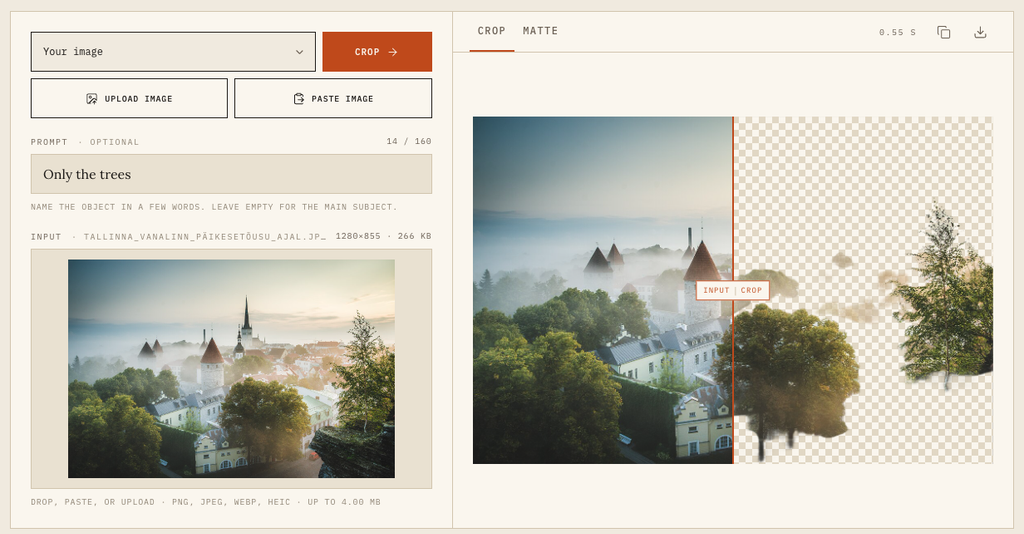
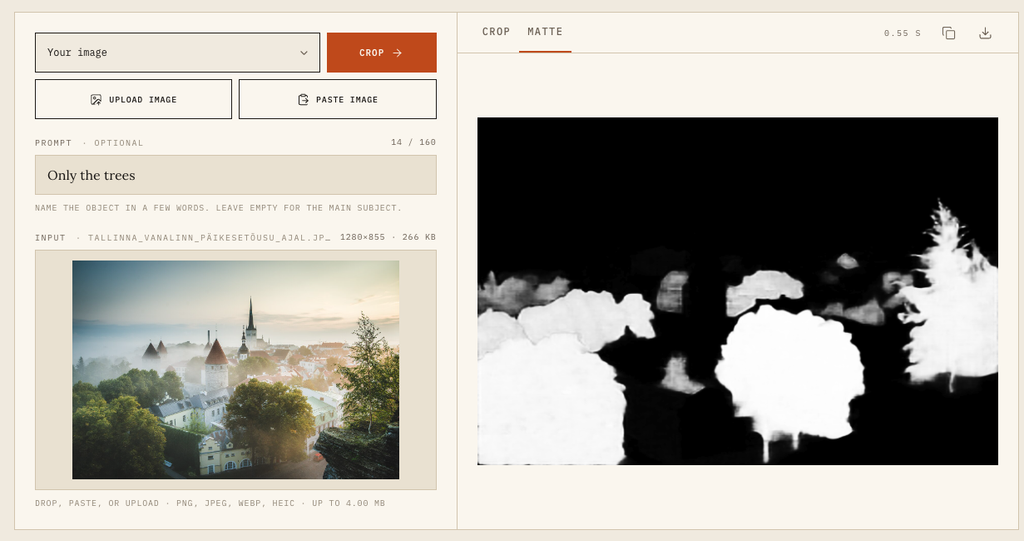
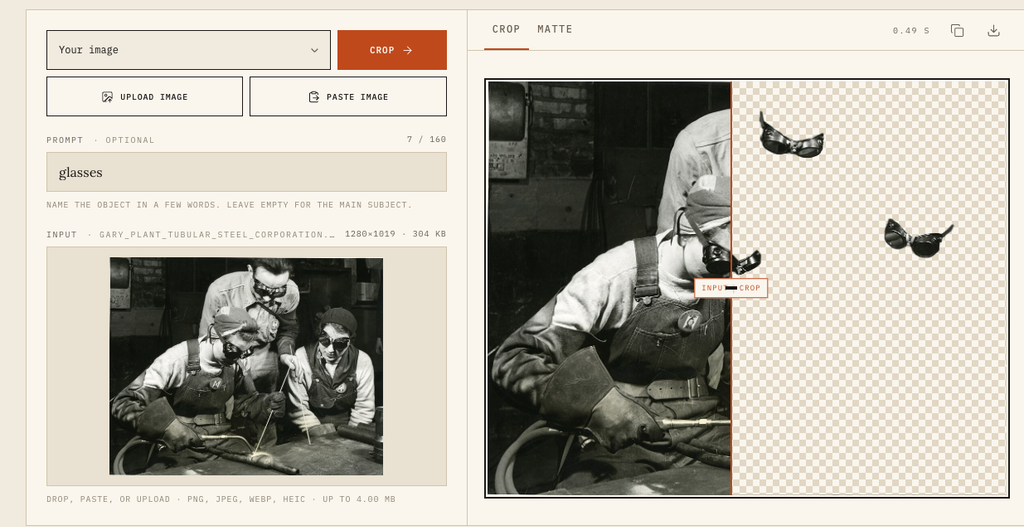
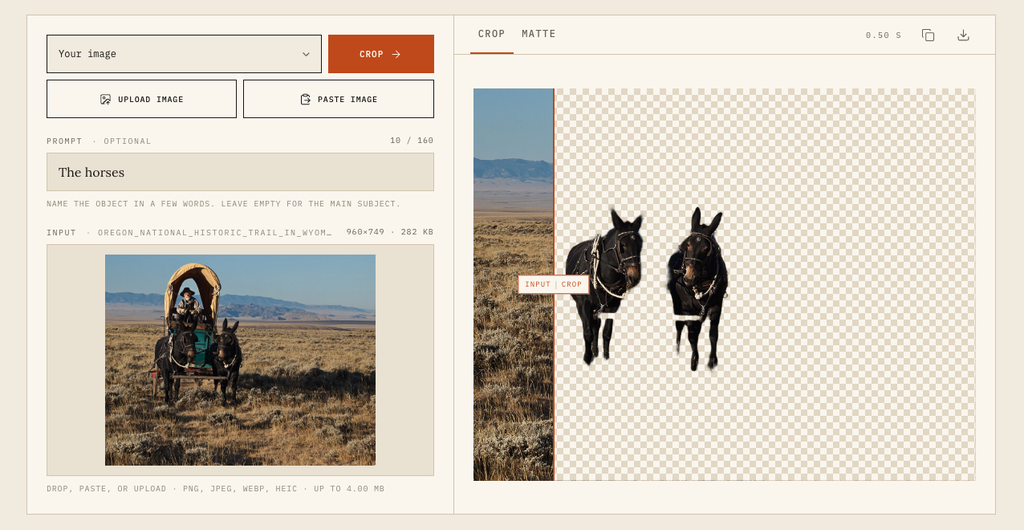
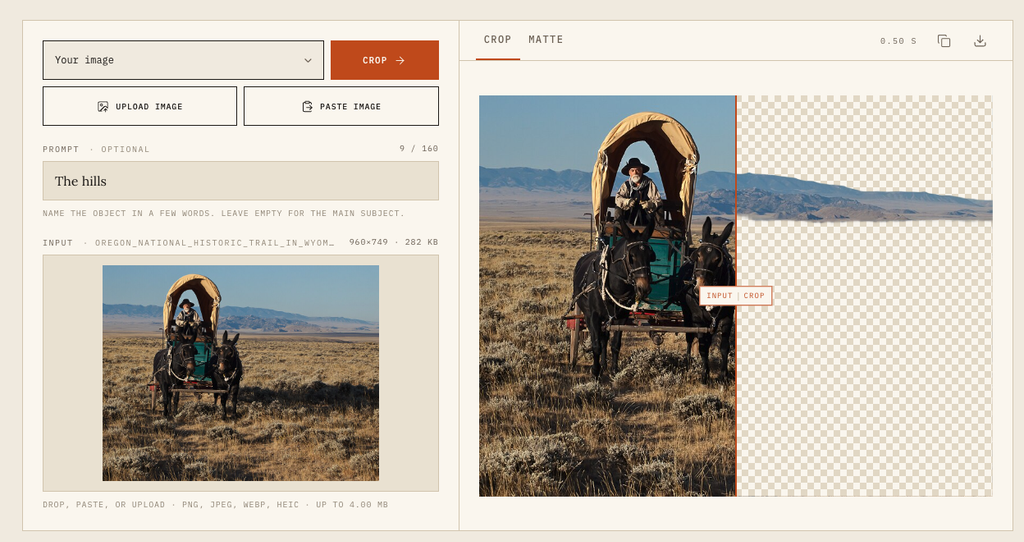
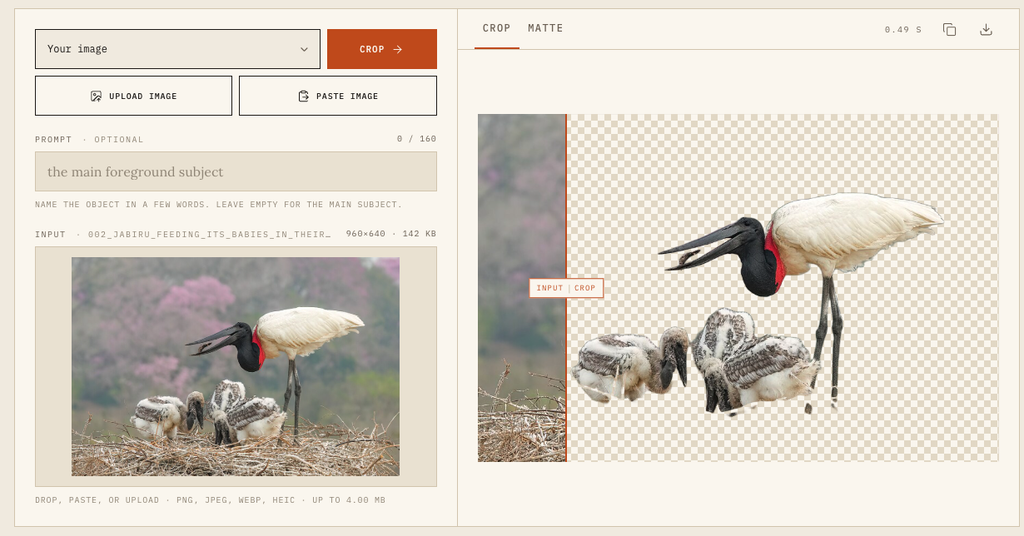
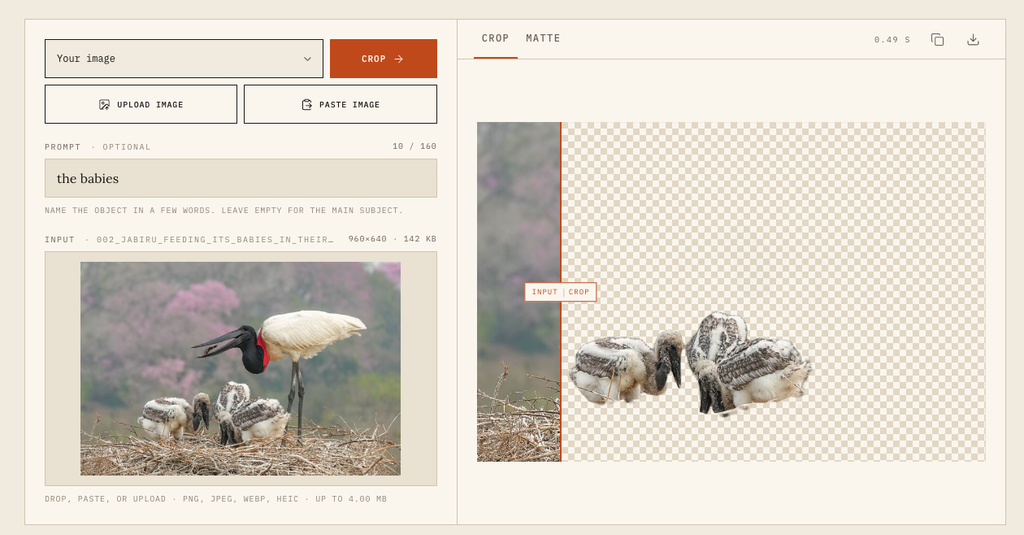
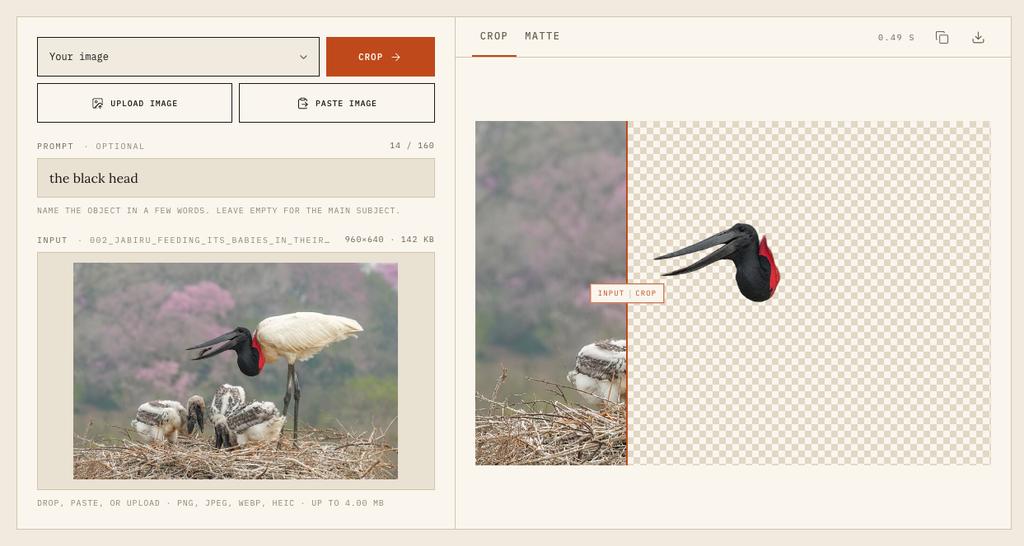
Wikimedia Commons sources:
- https://commons.wikimedia.org/wiki/File:Tallinna_vanalinn_p%C3%A4ikeset%C3%B5usu_ajal.jpg
- https://commons.wikimedia.org/wiki/File:Gary_Plant_Tubular_Steel_Corporation.jpg
- https://commons.wikimedia.org/wiki/File:Oregon_National_Historic_Trail_in_Wyoming.jpg
- https://commons.wikimedia.org/wiki/File:002_Jabiru_feeding_its_babies_in_their_nest_in_Encontro_das_%C3%81guas_State_Park_Photo_by_Giles_Laurent.jpg


D'autres outils qui pourraient vous intéresser

Une IA par jour, une lettre d'info par semaine
uneIAparjour.fr c'est chaque jour une nouvelle application d'IA générative et une lettre d'info hebdomadaire avec les applications de la semaine, un focus et des lectures partagées.
By subscribing you agree to Substack's Terms of Use, our Privacy Policy and our Information collection notice.