Mistral OCR 4
Mistral OCR 4 (https://console.mistral.ai/build/document-ai/ocr-playground and documentation: https://docs.mistral.ai/models/model-cards/ocr-4-0) extracts and structures the content of documents.
It succeeds Mistral OCR 3 by adding the precise location of each element (bounding boxes with coordinates), their classification by type (title, table, equation, image, text) and confidence scores.
Take into account handwriting.
Accepted formats: PDF, DOC, PPT and OpenDocument.
Support for 170 languages.
The Studio’s “Document AI” interface offers three output tabs: plain text, Markdown, and Visual.
The Visual tab includes translation in any of the 170 languages available.
The download produces a global Markdown file and, per page, a subfolder with a Markdown file, the images extracted as JPEGs, and the detected links (hyperlinks.md).
Accessible for free from “Document AI” in the Mistral Studio with a free account.
10 documents maximum of 50 MB each per session.
Quota displayed in the Studio resets every 2 days, number of pages not specified (130 pages processed in test with no impact on the counter).
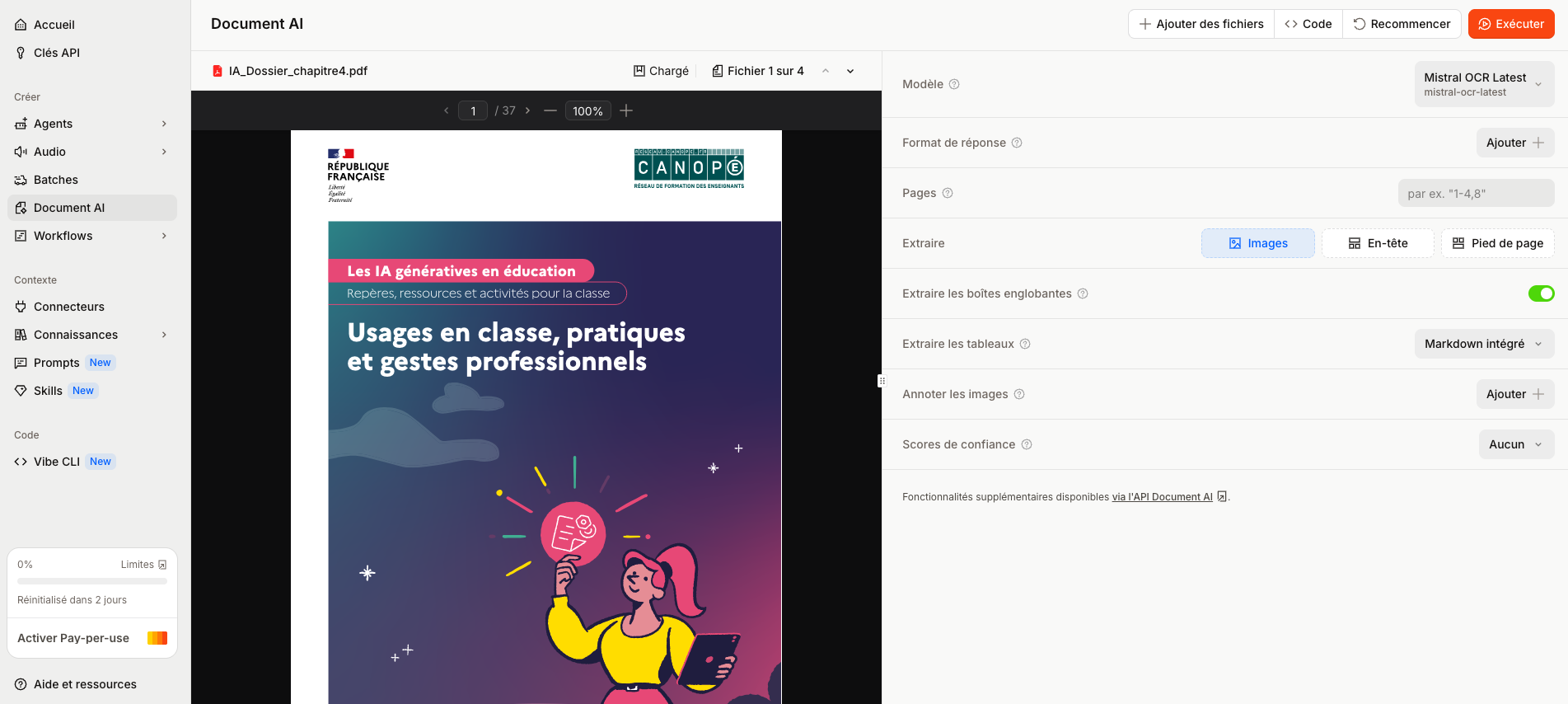
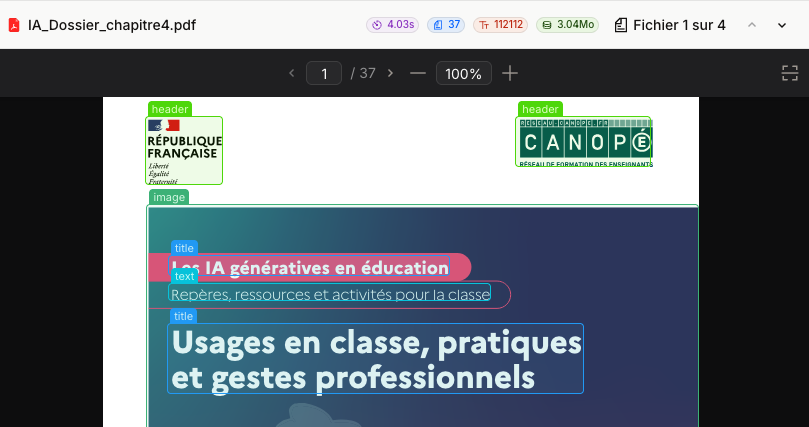
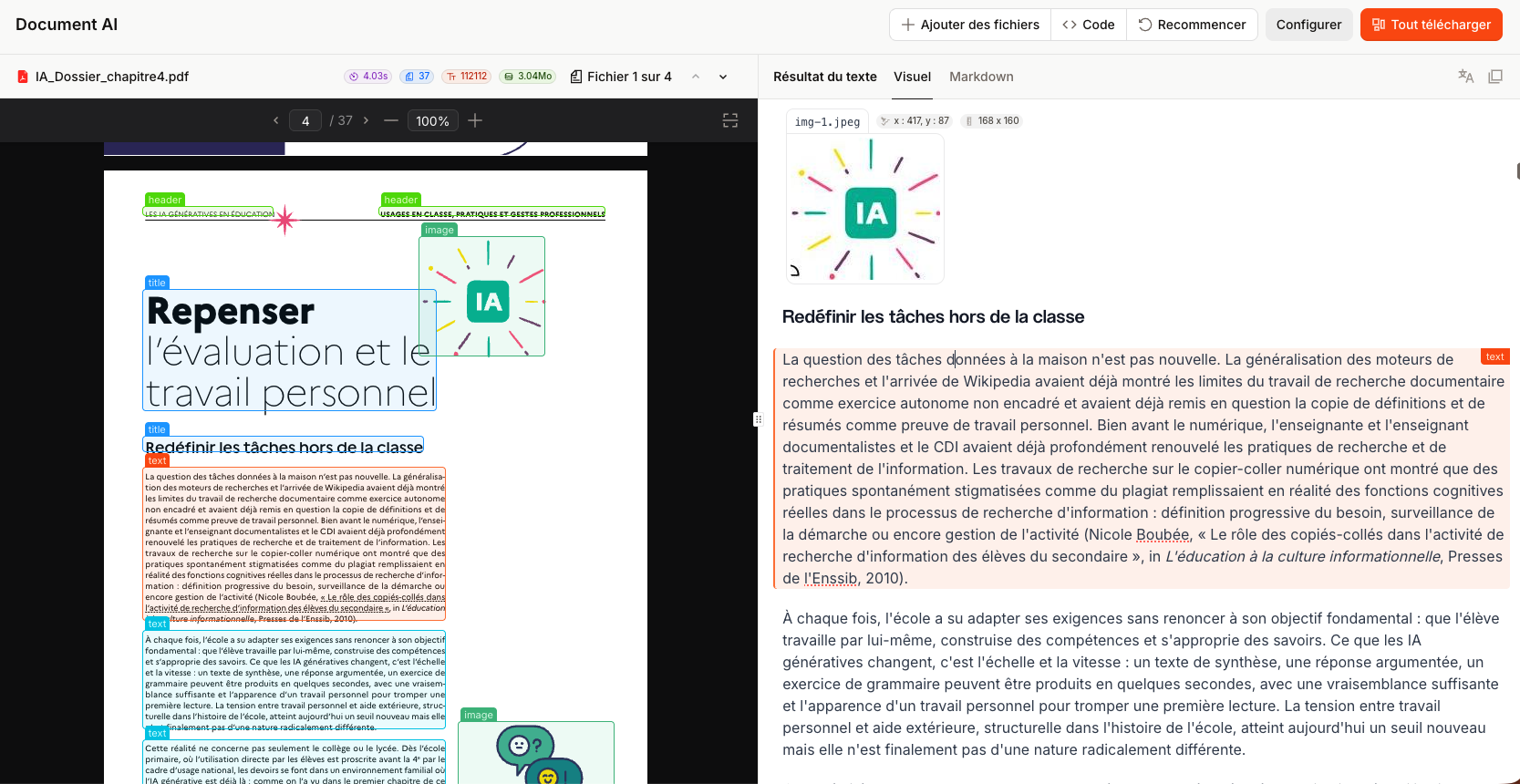
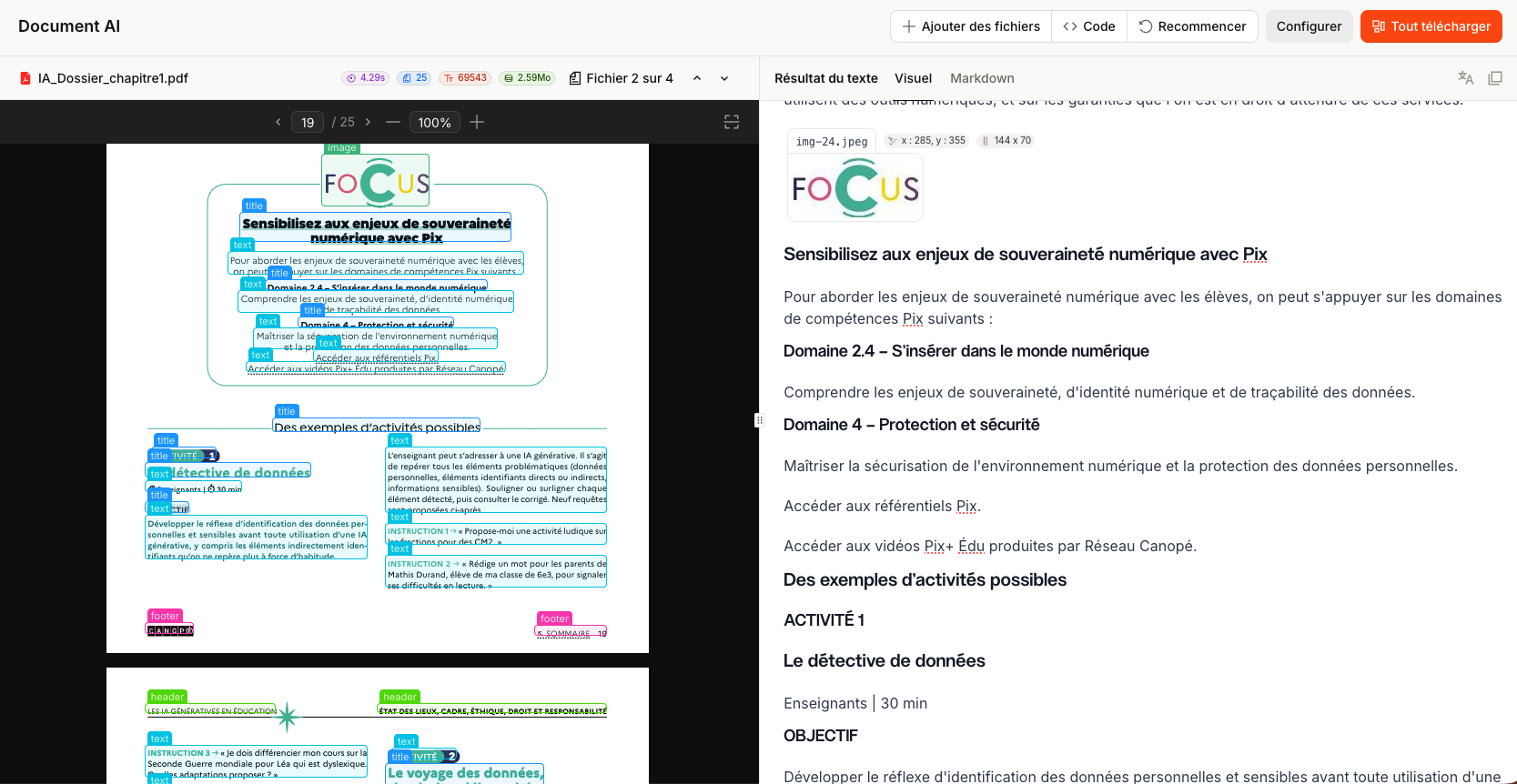
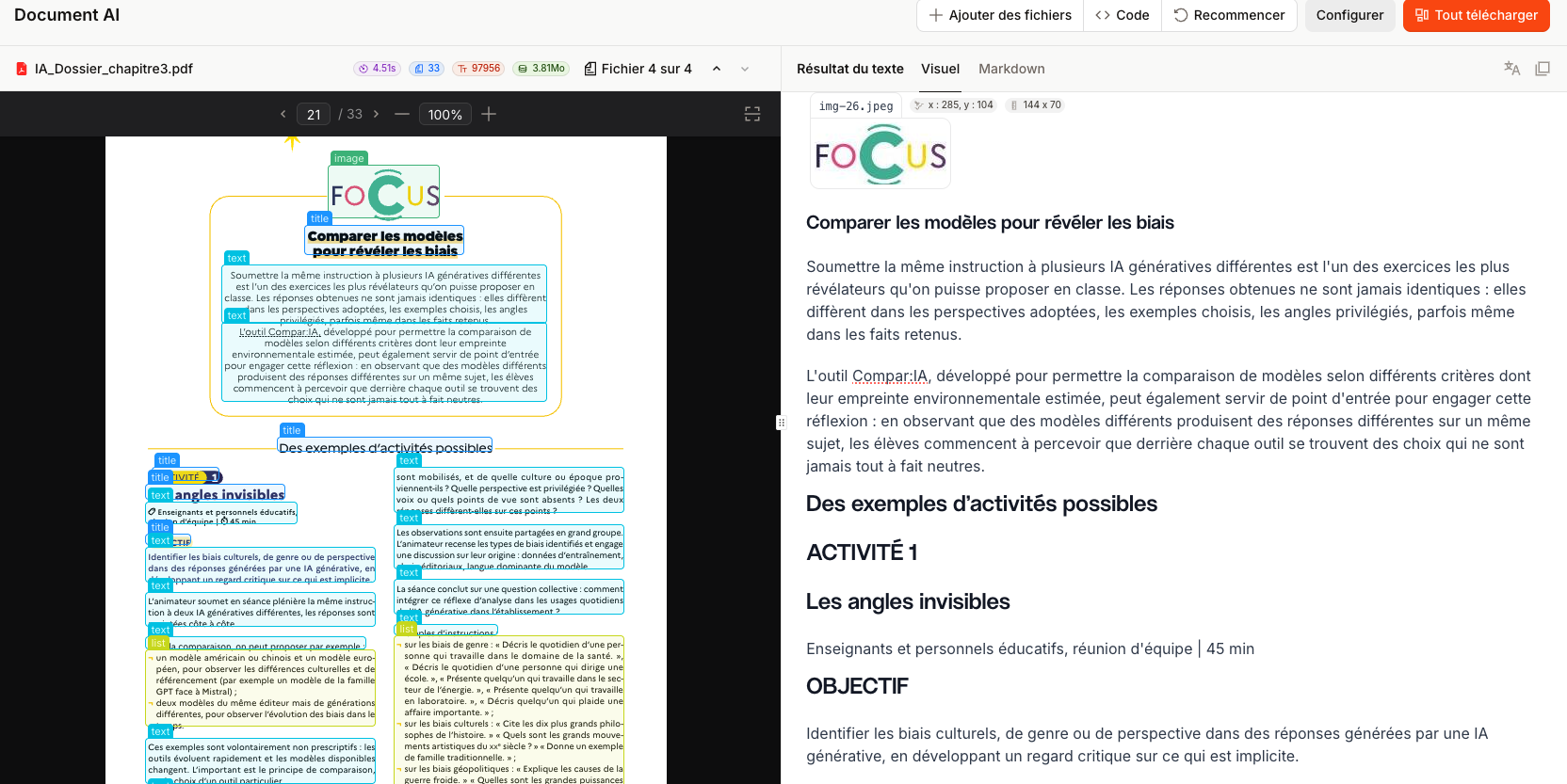
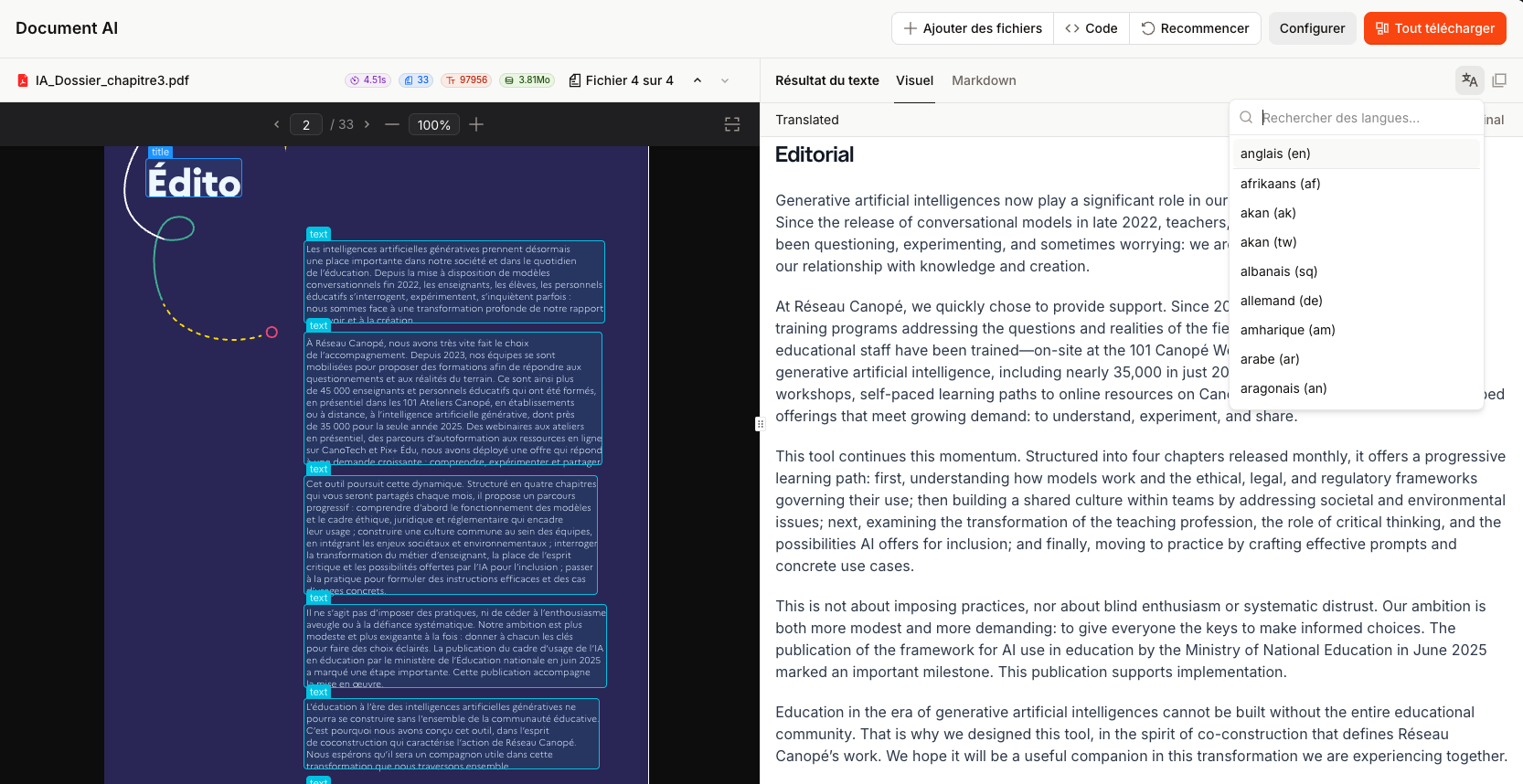
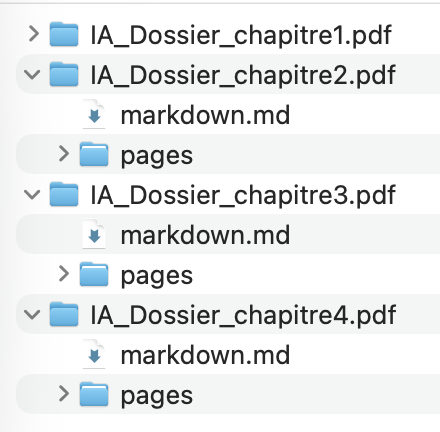
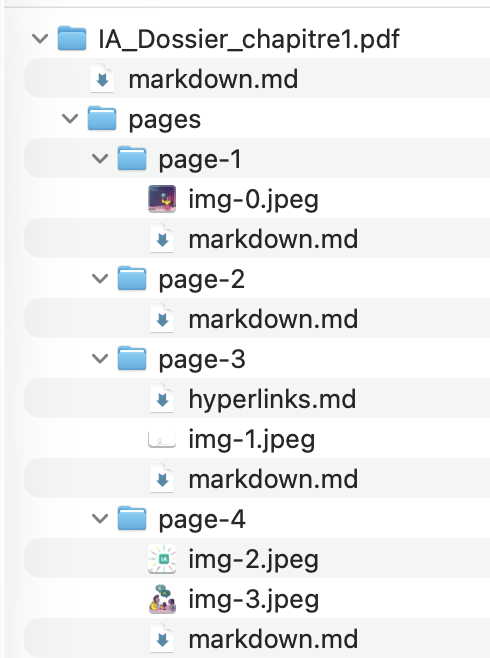
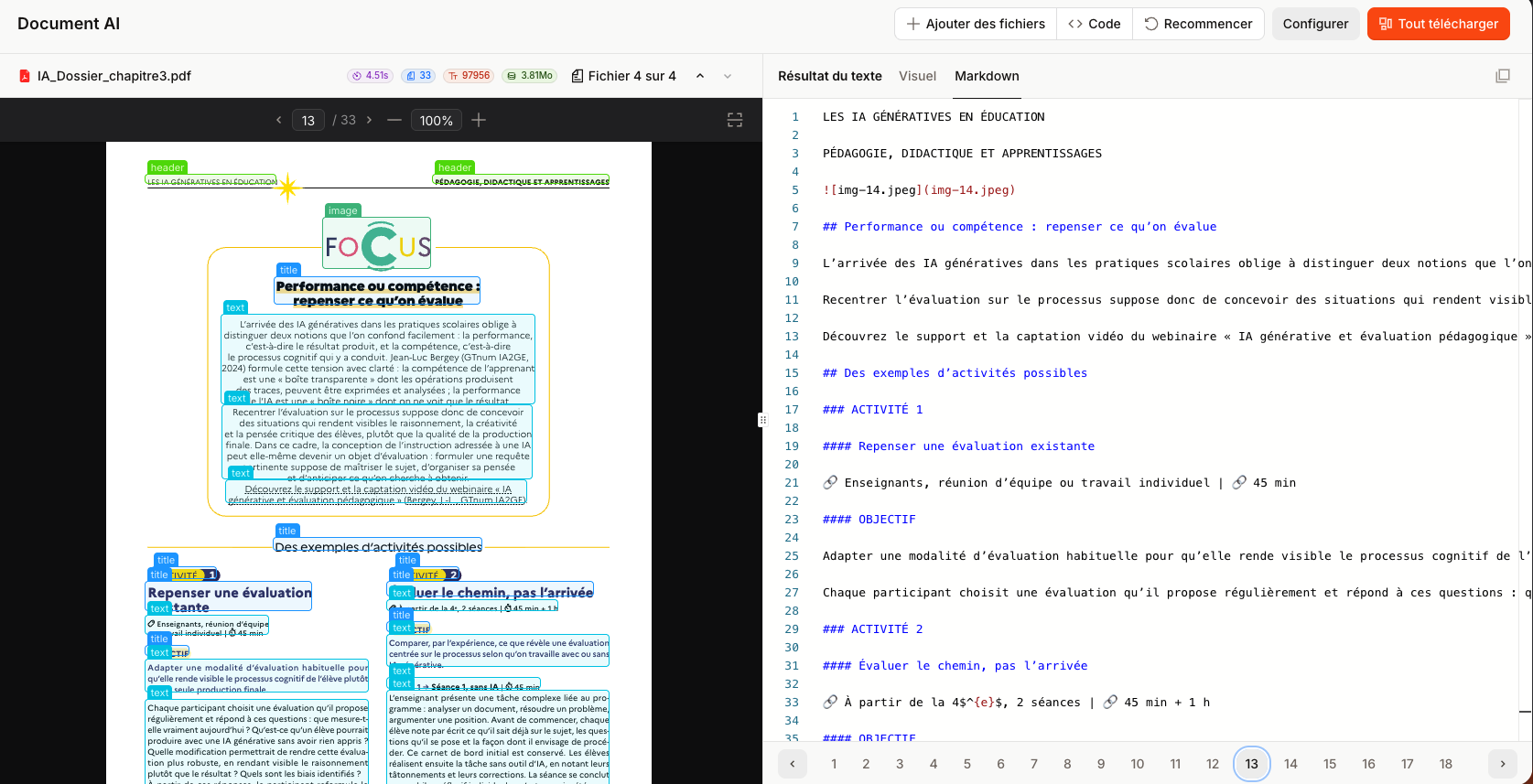
Source for the tests: 4 chapters of the dossier “ Artificial intelligence in education – Benchmarks, resources and activities for the classroom” of Réseau Canopé, https://www.reseau-canope.fr/ia-et-education/dossier-ia-generatives-en-education
D'autres outils qui pourraient vous intéresser

Une IA par jour, une lettre d'info par semaine
uneIAparjour.fr c'est chaque jour une nouvelle application d'IA générative et une lettre d'info hebdomadaire avec les applications de la semaine, un focus et des lectures partagées.
By subscribing you agree to Substack's Terms of Use, our Privacy Policy and our Information collection notice.